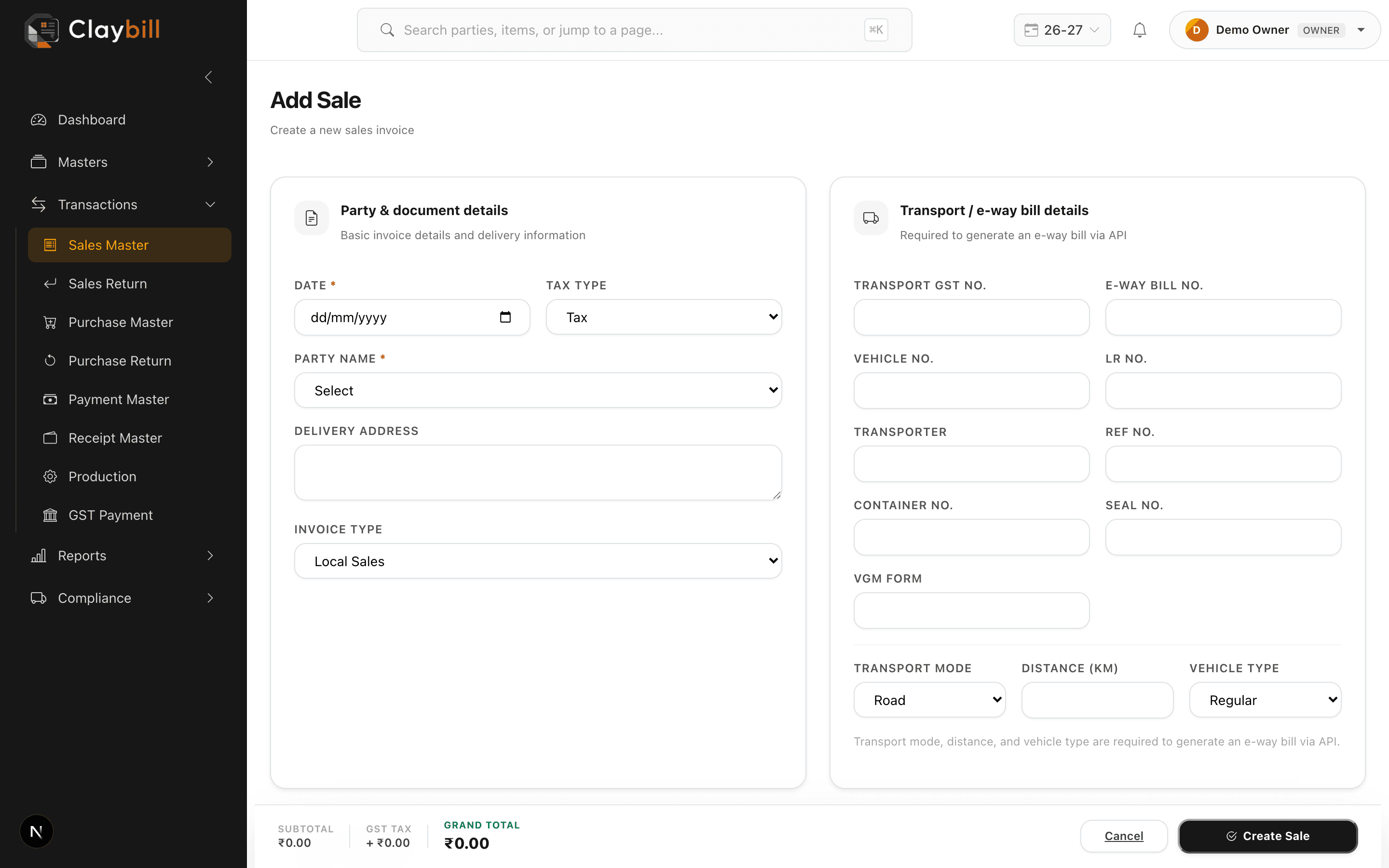
Go to Sales > New Sale. Pick the party, set the invoice type (Local Sales, Inter-State Sales, or Nepal Export), and add line items by selecting an item, size, grade, quantity, and rate.
The subtotal, GST split (SGST+CGST or IGST, based on invoice type), and grand total are calculated automatically as you add items. Fill in transport details (vehicle number, transporter, distance) if the shipment needs an e-way bill, then save.
The invoice number is assigned automatically from your company's sales sequence — you don't need to enter it manually.