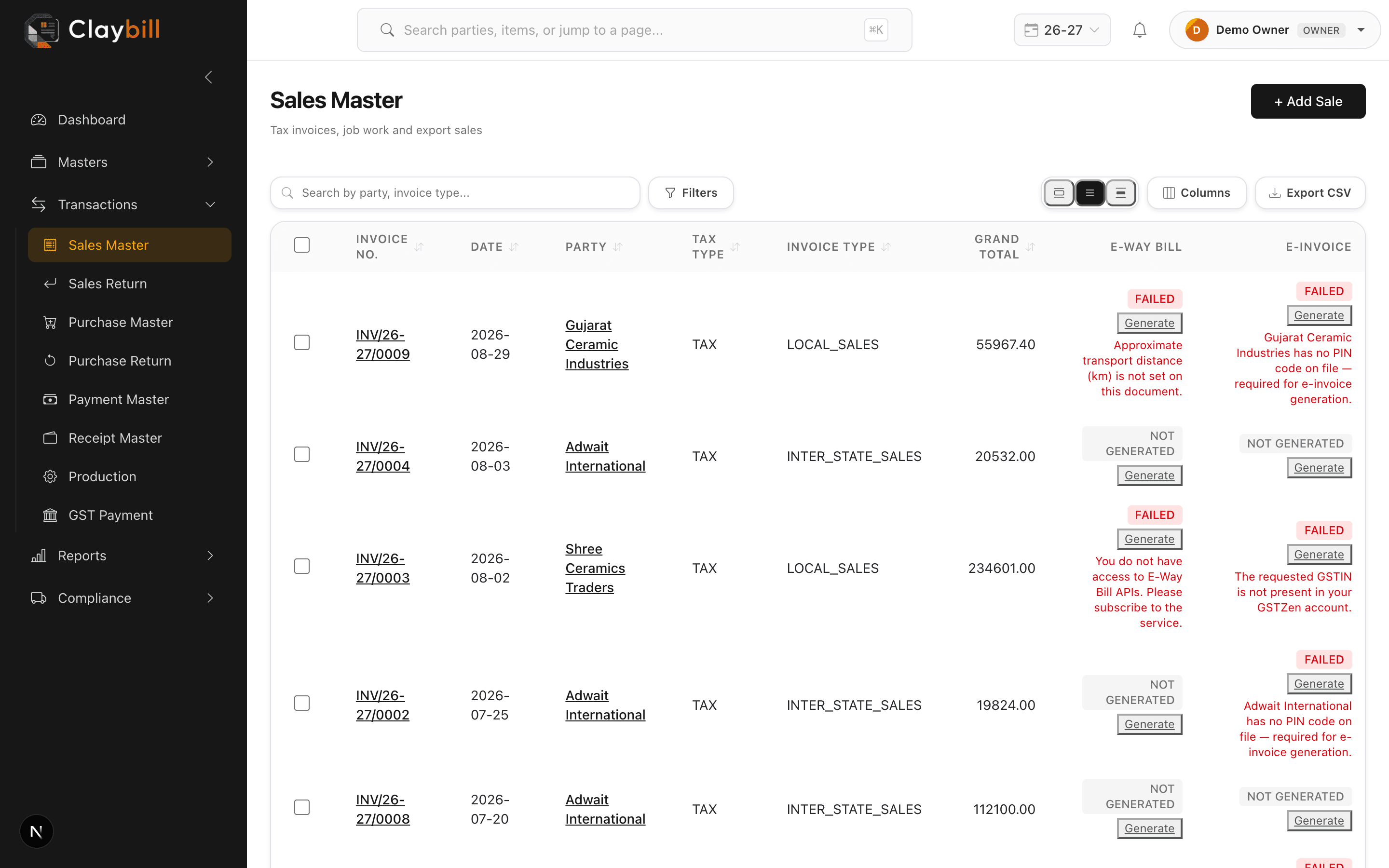
Go to Purchases > New Purchase, select the supplier, and enter the supplier's bill number and bill date alongside your own purchase date — these are tracked separately since they usually differ.
Add line items with quantity and rate, and the GST split calculates automatically based on the invoice type. If the supplier's shipment came with an e-way bill, you can record the e-way bill number for your own records even though you're not the one generating it — the Purchase document only generates e-way bills for goods you're returning, not receiving.