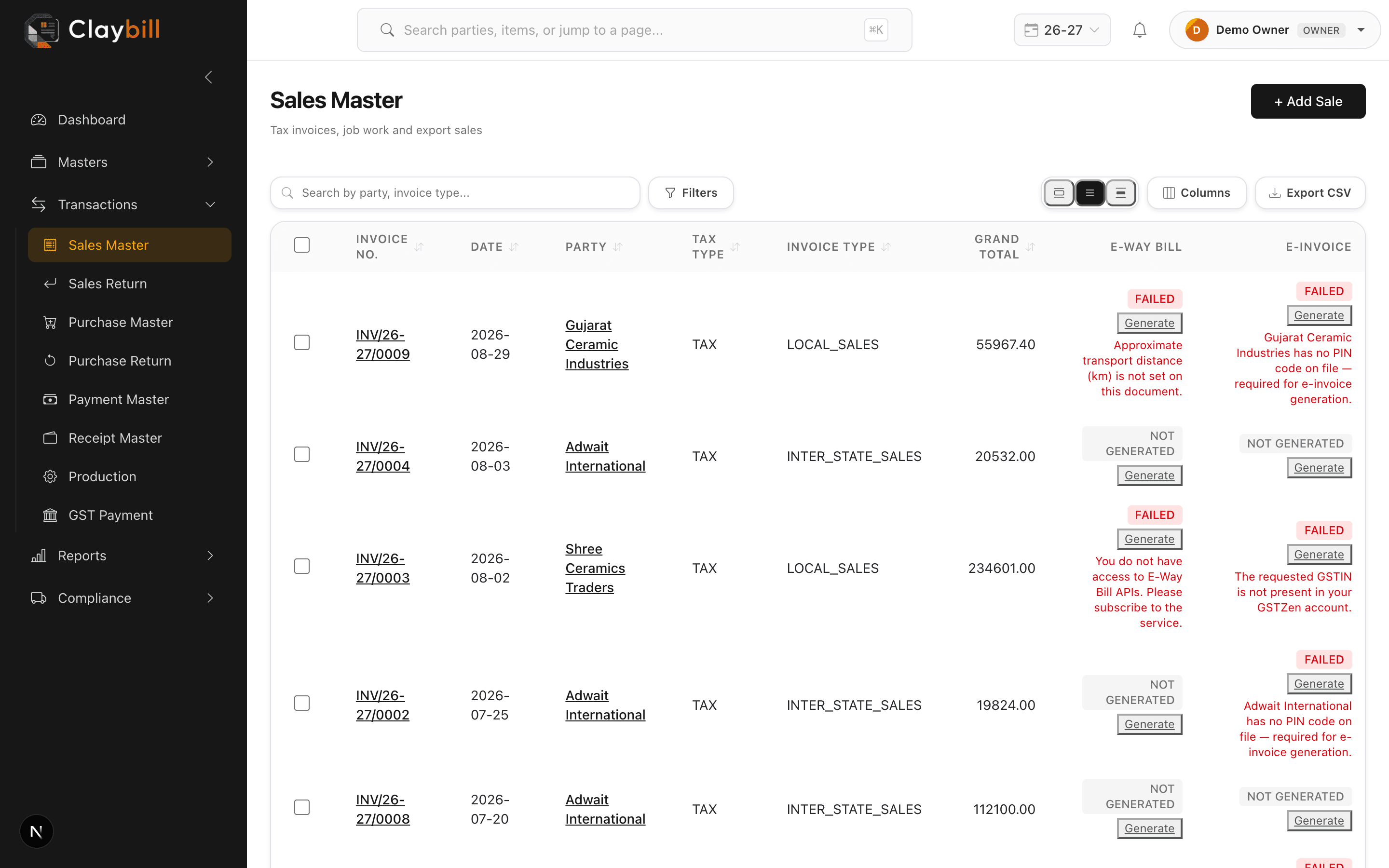
Open the document and check the error banner. The most common reasons are:
- Missing or invalid GSTIN on the party
- Invalid vehicle number format
- Distance entered is 0 or negative
- GSTZen credentials expired or misconfigured in Company Settings
Fix the offending field and click Generate E-Way Bill again. If it still fails, the full error message from the government portal is displayed in the banner so you know what to correct.