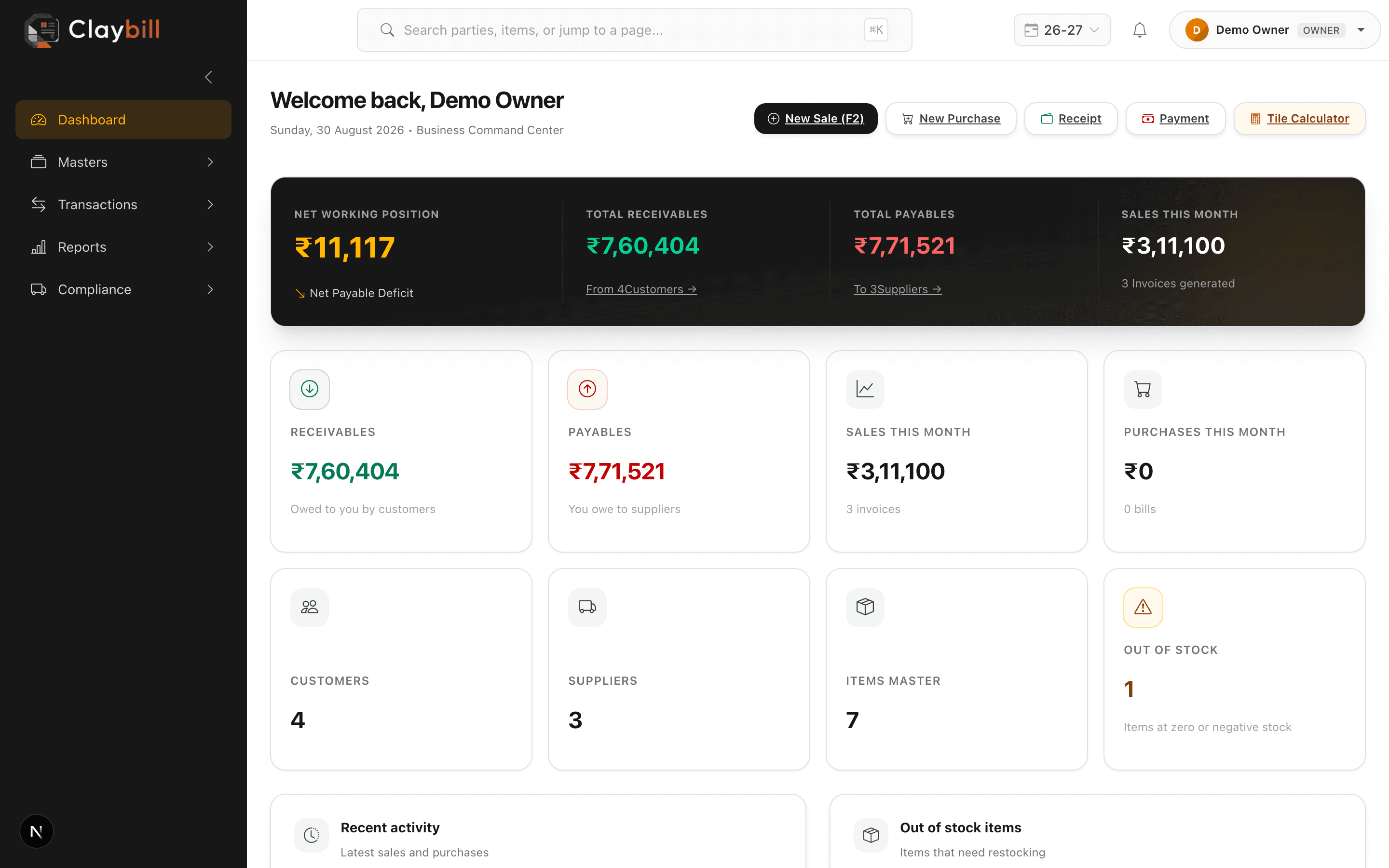
Follow these steps to get your company up and running on ClayBill:
1. Complete Company Settings — add your GSTIN, address, and upload your logo for printed invoices.
2. Set up your current Financial Year — pick the open year (e.g. 2026-2027) so documents are numbered and filed under the right period.
3. Add your top items — create items with their size, grade, and HSN code.
4. Add your top parties — enter customer and supplier details with GSTIN and state.
5. Create your first sale — test the full flow from creation to PDF print.