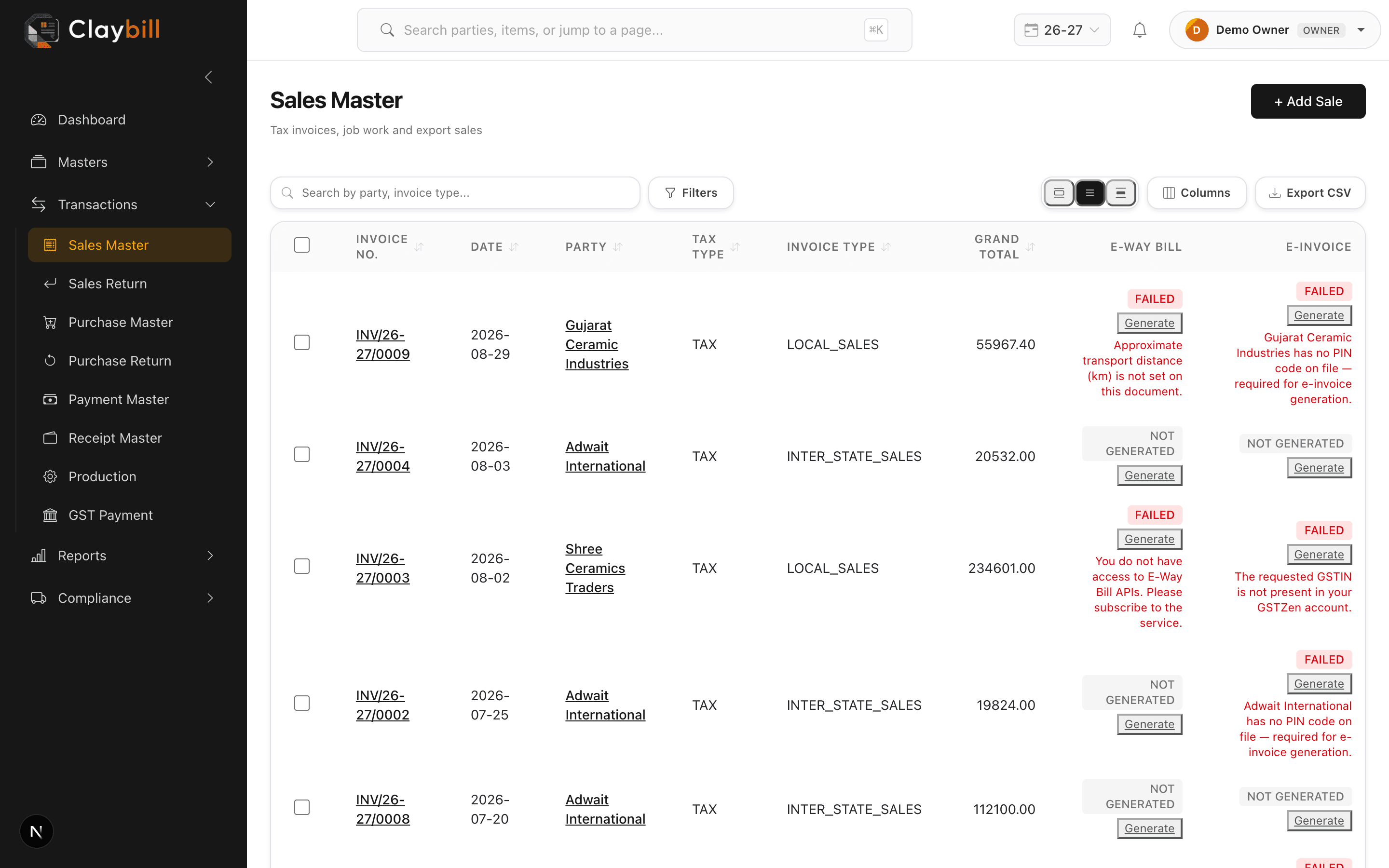
Every list page — Parties, Items, Sales, Purchases, and the rest — has a search box that filters as you type, and column headers you can click to sort. Use the checkbox on the left of each row to select multiple records at once; a bar appears letting you bulk delete, export the selection to CSV, or (on the Sales list) bulk print invoices as a single PDF.
Search and sort happen instantly in your browser since the whole list is already loaded, so there's no need to wait between keystrokes.