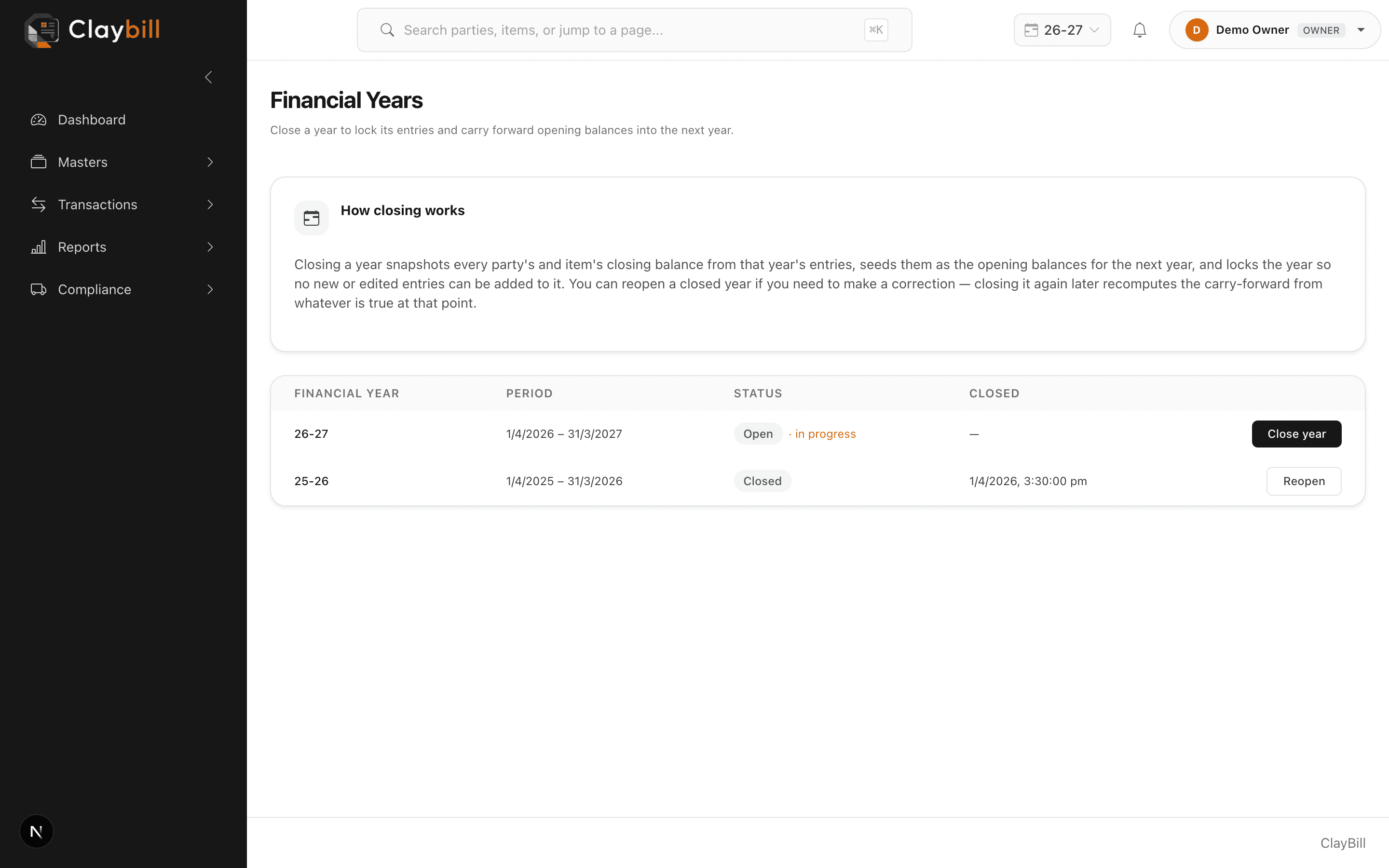
Go to Financial Years (Owners only) and click Close on the year you want to lock. ClayBill calculates every party's and item's closing balance from that year's actual transactions and carries them forward as the opening balances for the next year, creating it automatically if it doesn't exist yet.
Closing is meant for when a year is genuinely done — once closed, you can't add or edit transactions inside it. If you close a year by mistake, or need to fix something in it, use Reopen from the same page; this doesn't undo the carry-forward numbers already calculated, so if you make changes after reopening, close it again afterward to recalculate them.