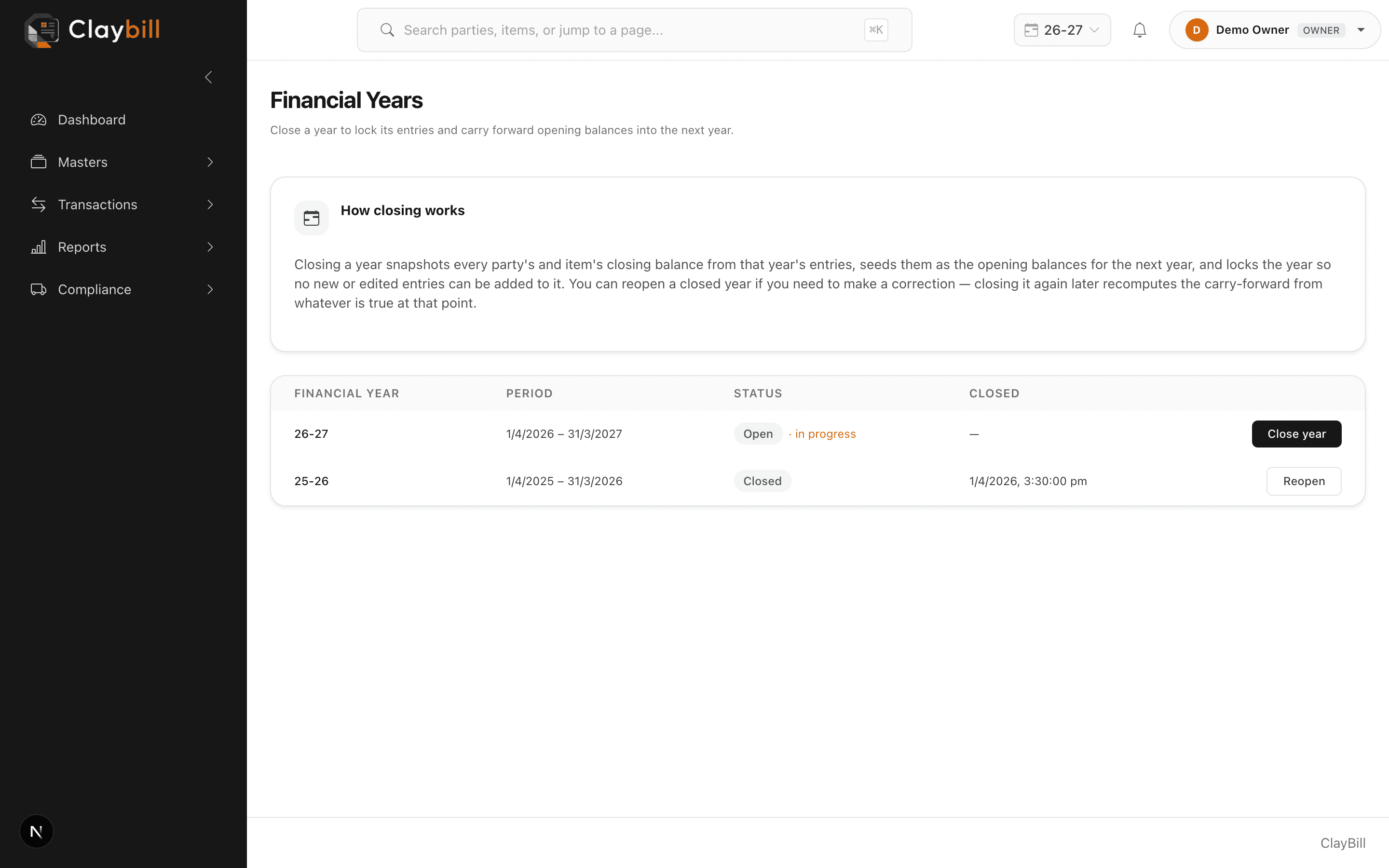
Use the year switcher in the top navigation bar to browse any of your company's financial years — list pages and reports will show that year's data instead of the current one. A "Not current" badge appears next to the switcher as a reminder that you're looking at something other than the live year.
Switching what you're viewing never changes where new records go — a sale, party, or payment you create always attaches to the actual current financial year, even if you're browsing an older one at the time.