

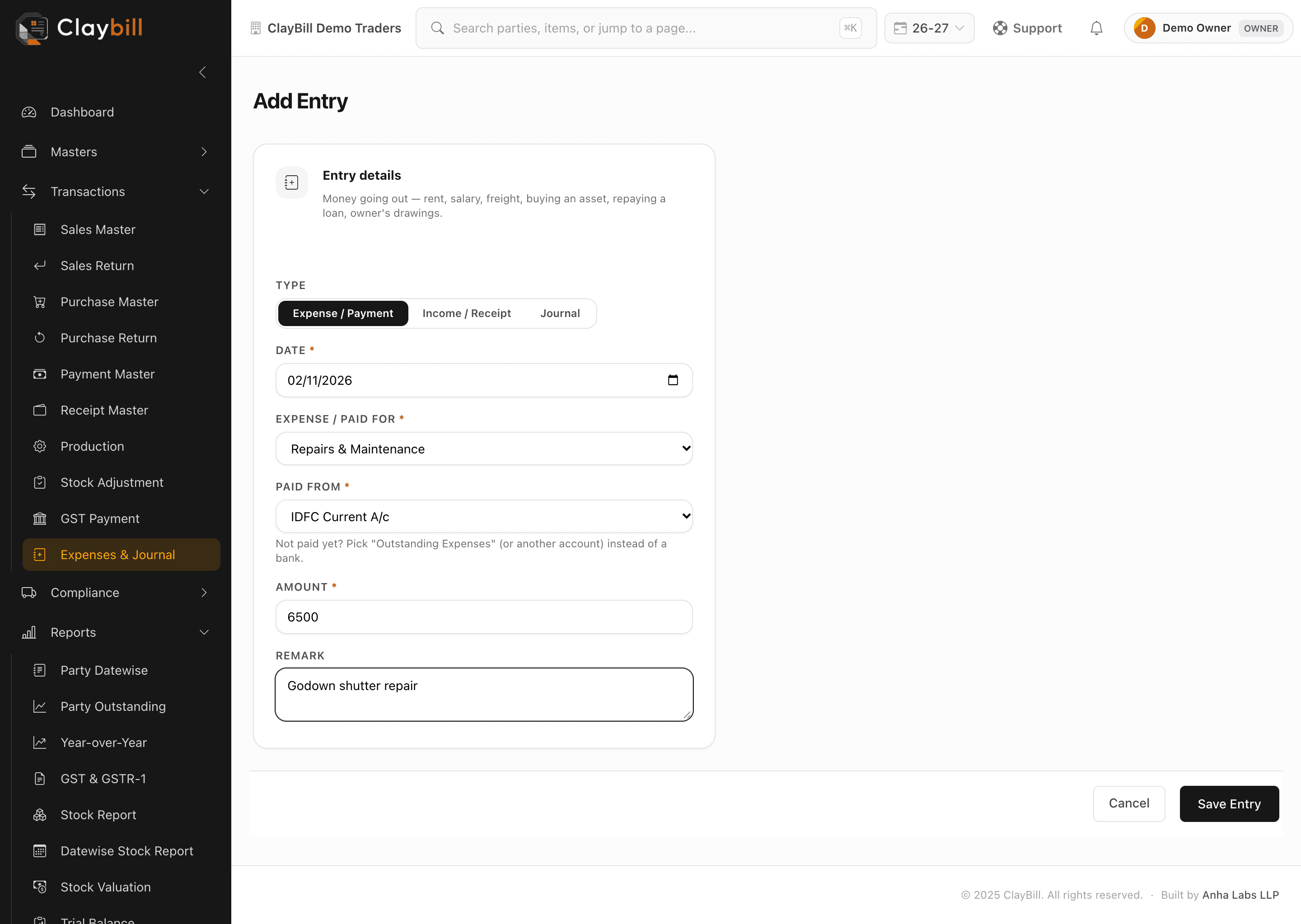
Go to Transactions > Expenses & Journal and click + Add Entry.
1. Set Type to Expense / Payment.
2. Choose the account, such as Rent, Salary or Electricity. Need another head? Click Chart of Accounts on the same page and add it.
3. Under Settled with, pick the bank or cash account it was paid from. If it is still unpaid, pick the matching account under On account instead, for example Outstanding Expenses.
4. Enter the date and amount, add a remark if you like, and save.
The entry appears in your Profit & Loss under indirect expenses. You can edit it any time while the financial year is open.
Verified for latest ClayBill versionNeed help with this feature? Contact support →