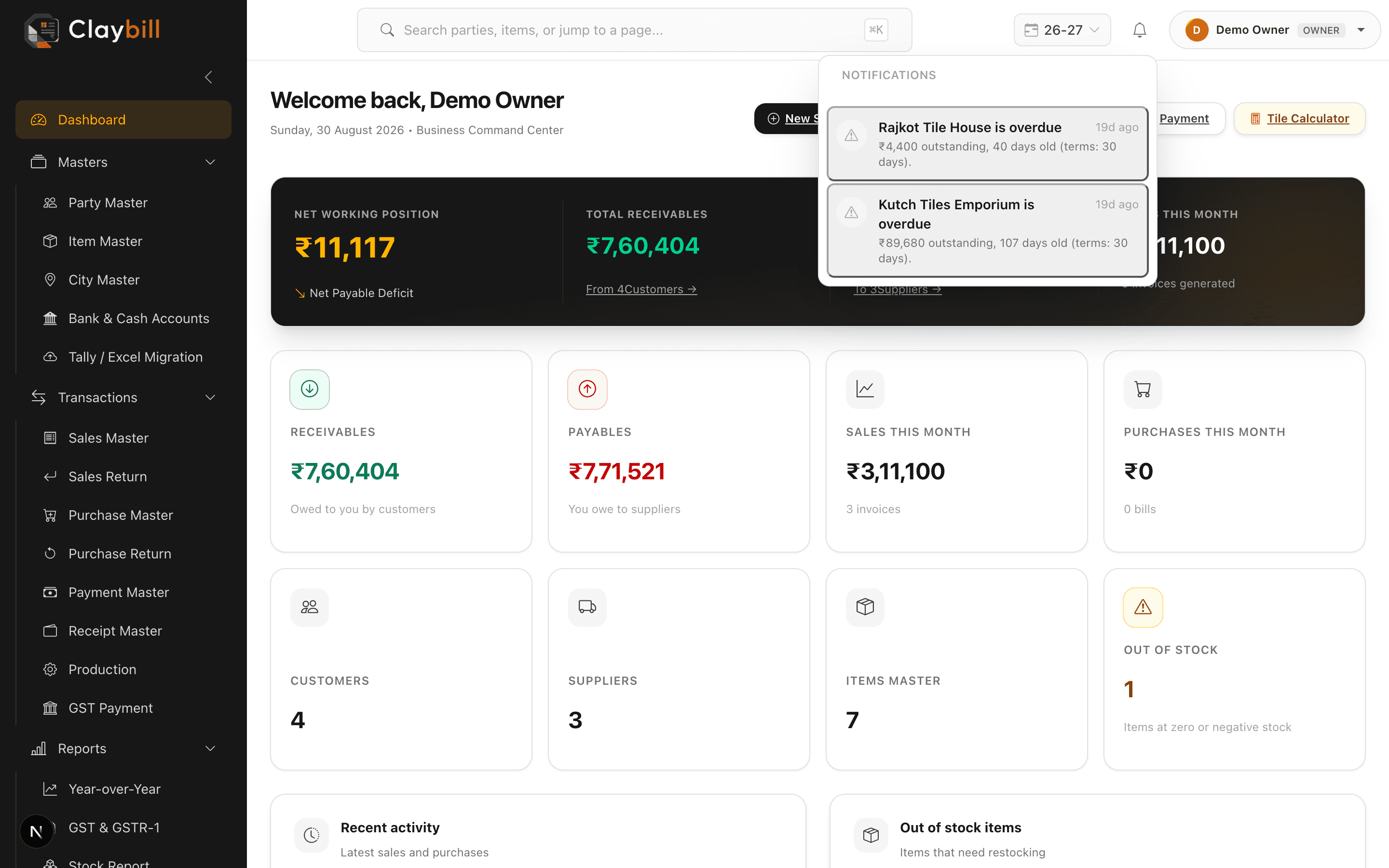
Click the bell icon in the top navigation bar. It shows your most recent notifications — overdue-payment alerts and anything else ClayBill has flagged — with unread ones highlighted and a count badge if there's anything new.
Click a notification to mark it read, or use Mark all read to clear the badge. Notifications are shared across your whole team, not per-user, so anyone with access to your company can see the same list.